Best Free AI Image Generators in 2026: Complete Comparison Guide
Introduction: The AI Image Revolution is Free
Creating stunning visuals with AI used to require expensive subscriptions or technical expertise. Not anymore. In 2026, you can generate professional-quality images without spending a dime.
But with dozens of free AI image generators available, which one should you choose? We've tested and thoroughly researched the top options to help you find the perfect tool for your needs—whether you're a content creator, marketer, designer, or just exploring AI art.
What Makes a Great Free AI Image Generator?
Before diving into specific tools, here's what we evaluated:
- Image Quality: Resolution, detail, and artistic coherence
- Generation Limits: Daily/weekly free credits and actual constraints
- Speed: How fast can you iterate on ideas?
- Prompt Understanding: How well it interprets your descriptions
- Commercial Use: Can you legally use images for business?
- Ease of Use: Learning curve for beginners
The Top 7 Free AI Image Generators (2026)
1. ImageForge - Best for Side-by-Side Comparisons
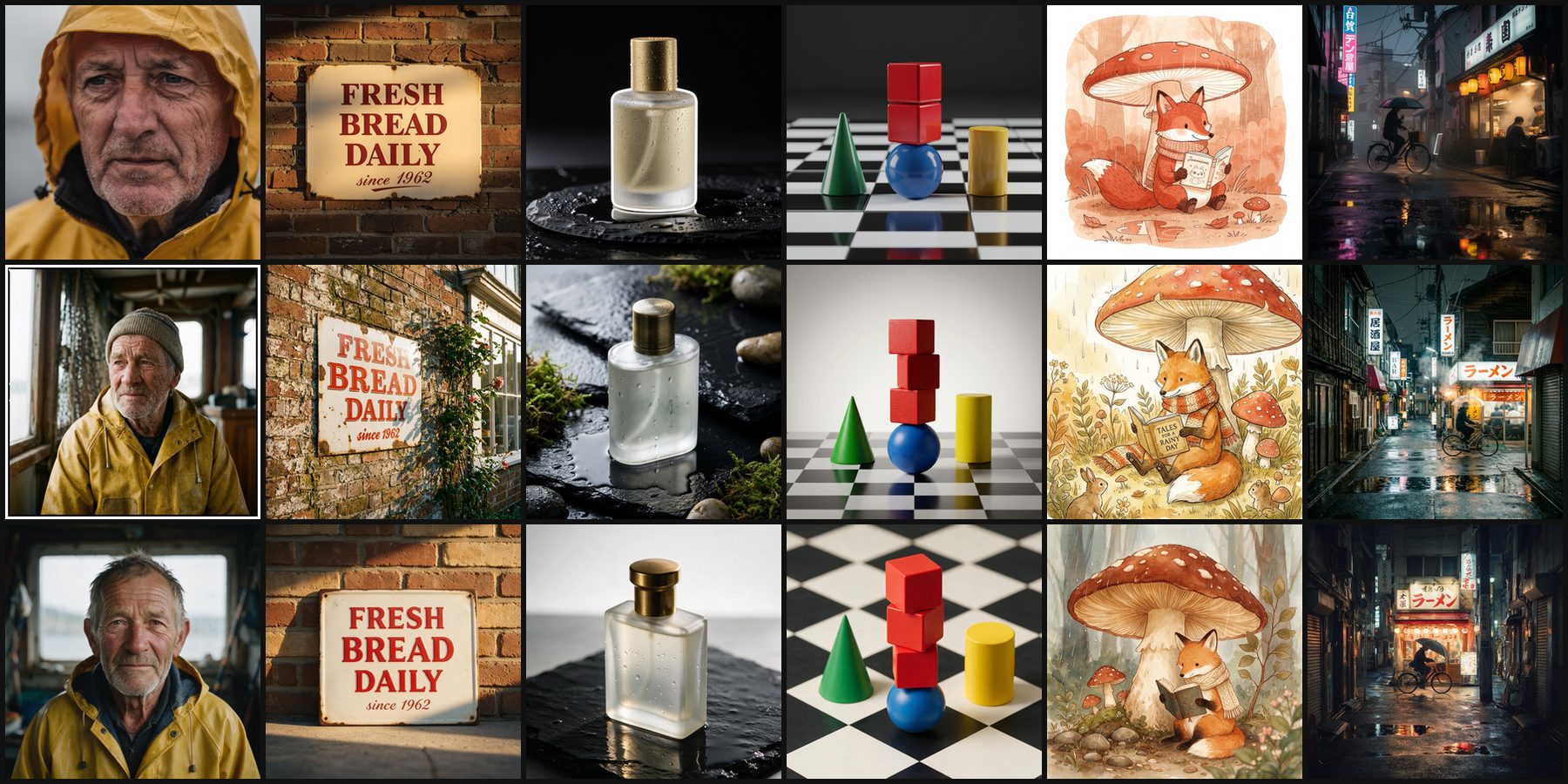
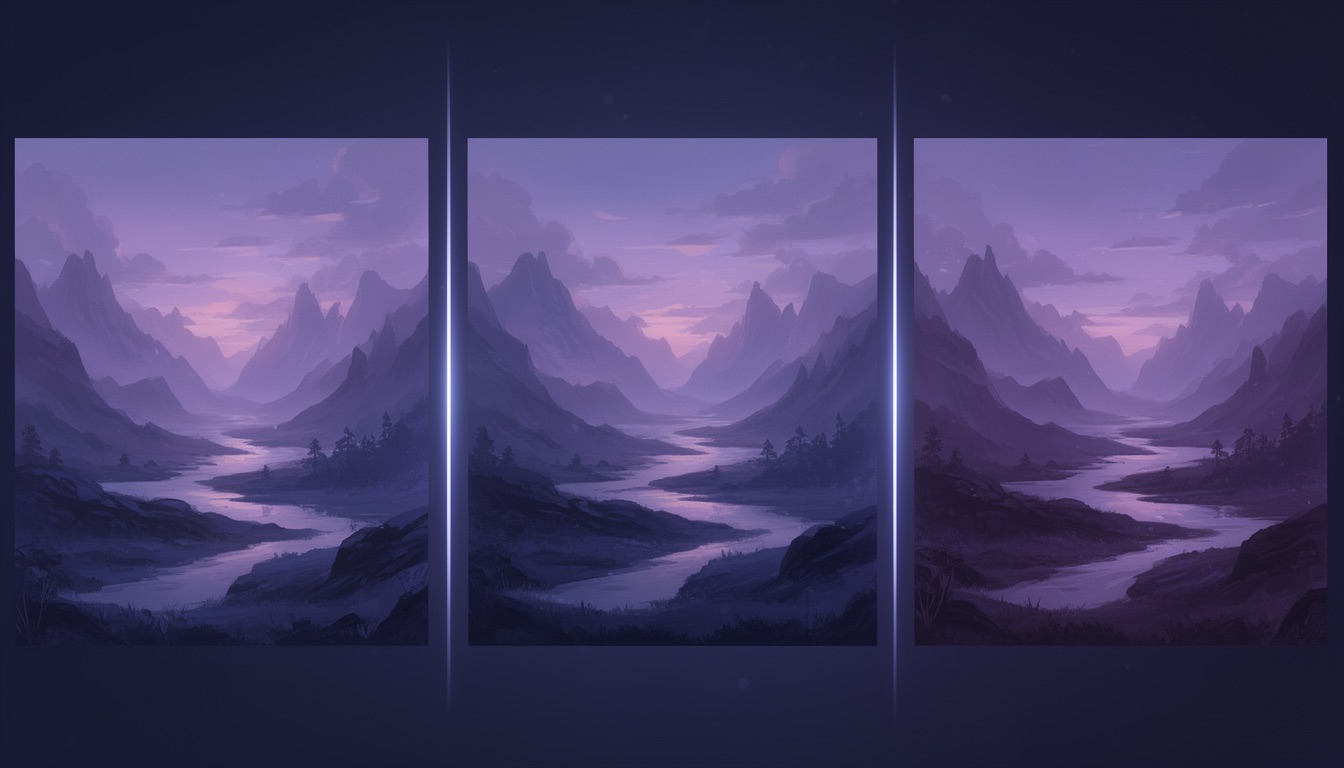
What it is: ImageForge is a unique platform that lets you compare outputs from 16 AI models simultaneously in one interface. Run the same prompt across FLUX.2, Seedream 5, Nano Banana and more to find the perfect model for your needs. It's the only tool that specializes in multi-model comparison.
Free Tier:
- 5 credits per month (each Standard-quality image costs 1 credit, so five images)
- Access to all 15 AI models, from FLUX.2 [klein] 9B at 1 credit to Nano Banana Pro at 5
- Every quality level, up to 4MP (higher quality costs more credits)
- Image refinement
- 30-day image storage
- No watermarks
- Full commercial rights
Paid Options:
- Credit packs (one-time): 80 credits for $5 or 180 for $10, credits never expire, and images are kept without the 30-day limit
- Basic ($9/month): 200 credits, side-by-side generation across up to 5 models, unlimited storage
- Pro ($29/month): 800 credits, priority queue, bulk download, 10 custom style presets, advanced refinement features
Standout Pro Features:
- 🎨 Style Presets: Save and reuse custom style modifiers across all your generations for consistent branding (e.g., "cinematic lighting, moody atmosphere, film grain")
- ✨ Image Refinement: Transform existing images using natural language editing with multi-reference support—upload multiple source images for style transfer and detail enhancement
- ⚡ Priority Queue: Skip the wait with dedicated fast-track processing
- 📦 Bulk Operations: Download entire collections at once
Best For:
- Comparing multiple AI models side-by-side with the same prompt
- Finding which model works best for your specific use case
- Professionals who need consistent branding with style presets
- Users who want multi-model generation without switching platforms
- Content creators who refine images iteratively
Limitations:
- Only 5 credits/month on free tier (resets monthly, no rollover), which is a single image on the most expensive models
- Side-by-side generation requires Basic or Pro; style presets are Pro-only
Try it: imageforge.io
2. FLUX (via HuggingFace) - Best for Photorealism
What it is: Black Forest Labs' FLUX models are available as open-weight models on HuggingFace. FLUX is renowned for exceptional photorealistic output and sophisticated detail rendering.
Free Access:
- FLUX.1 Schnell: Unlimited generations via HuggingFace (Apache 2.0 license - full commercial rights)
- FLUX.1 Dev: Free via HuggingFace (non-commercial license only)
- Third-party platforms like NightCafe offer ~10 free credits
- Community-hosted instances available
Free Tier Details:
- High-quality 1024x1024 images
- Sophisticated detail reproduction (fabric, metal, skin, glass)
- Fast generation on dedicated instances
Best For:
- Photorealistic portraits
- Product photography mockups
- Marketing materials
- Commercial work (Schnell variant only)
Limitations:
- Black Forest Labs' official API is paid-only ($0.04/image minimum)
- FLUX.1 Dev has non-commercial license restrictions
- Queue times vary on free platforms
Access: FLUX.1 Schnell on HuggingFace
3. Stable Diffusion (Open Source) - Best for Customization
What it is: The latest official release is Stable Diffusion 3.5 (April 2025). Various web platforms like stablediffusionweb.com offer browser-based access to SD models.
Free Tier:
- Local installation: Completely unlimited, 100% free
- stablediffusionweb.com: Free access without registration
- Multiple model options: SD 1.5, SDXL, SD3 Medium
- Access to 9+ million prompt database
- Full control over parameters
Features Available:
- Text-to-image generation
- Inpainting and outpainting
- Multiple aspect ratios
- Community fine-tuned models
- API access for non-commercial projects (rate limited)
Best For:
- Technical users who want full control
- Specific artistic styles
- Experimentation without limits
- Privacy-conscious users (local installation)
Limitations:
- Steeper learning curve than consumer tools
- Local installation requires decent hardware (8GB+ VRAM recommended)
- Web platforms may have slower queue times
Access: Stable Diffusion Online or download for local use
4. Bing Image Creator (DALL-E 3) - Best for Beginners
What it is: Microsoft's free implementation of OpenAI's DALL-E 3 model, now supporting GPT-4o and MAI-Image-1.
Free Tier:
- 25 "boost" credits per week (fast generations in ~30 seconds)
- Unlimited slower generations after boosts exhausted (1-5 minutes each)
- Boosts reset weekly
- Additional boosts available via Microsoft Rewards Points
- 1024x1024 resolution (fixed aspect ratio)
- Commercial use allowed (changed November 2023)
Best For:
- Complete beginners (no learning curve)
- Quick concept visualization
- Microsoft ecosystem users
- Commercial projects on a budget
Limitations:
- Content moderation can be restrictive
- Fixed 1024x1024 resolution only
- Significantly slower without weekly boosts
- No editing or customization options
Access: Bing Image Creator
5. Leonardo.AI - Best for Game Assets
What it is: AI image generator optimized for game design, characters, and environments with specialized models.
Free Tier:
- 150 tokens daily (resets midnight UTC)
- ~10-12 standard images per day (5-8 tokens each)
- 200 canvas actions for editing
- Multiple fine-tuned models
- Upscaling included
- Background removal
Best For:
- Game developers
- Character design
- Fantasy/sci-fi artwork
- Concept art
Important Limitations:
- ⚠️ All free tier creations are PUBLIC - can be used/remixed by others
- ⚠️ Limited commercial rights: Leonardo.AI owns your images; you get non-exclusive license
- Queue times: 8-20 minutes during business hours (EST)
- Tokens don't roll over (use it or lose it)
- Higher costs for advanced features (upscaling, video, premium models)
Pricing Note: For full ownership and IP rights, paid subscription required ($12+/month)
Access: Leonardo.AI
6. Ideogram 3.0 - Best for Text in Images
What it is: Released March 2025, Ideogram 3.0 is the industry leader for generating accurate text within images—achieving ~90% accuracy vs Midjourney's ~30%.
Free Tier:
- 20 images per week (some sources report 10)
- Credits reset weekly on Saturdays at 00:00 UTC
- Industry-leading text rendering
- Multiple style presets (4.3 billion options)
- Style References (upload up to 3 reference images)
- High resolution output
Ideogram 3.0 Improvements:
- Near-perfect text rendering with complex fonts
- Enhanced lighting, smoother gradients, better textures
- Improved spatial relationships and composition
- Better prompt following with nuanced language
Best For:
- Logo design
- Promotional posters and flyers
- Greeting cards
- Print-on-demand products
- Social media graphics with typography
- Any design requiring readable text
Limitations:
- All images are public (privacy is paid feature)
- 30-45 second wait times per generation
- Weekly (not daily) credit reset
Access: Ideogram.ai
7. Craiyon (Formerly DALL-E mini) - Best for Quick Concepts
What it is: The only truly unlimited free AI image generator—no signup, no caps, no hidden limits.
Free Tier:
- Truly unlimited generations (verified)
- No account creation required
- No hard cap on images
- Commercial use allowed with attribution (must credit Craiyon.com)
- Fast iterations for brainstorming
Best For:
- Rapid brainstorming
- Quick concept sketches
- Testing ideas before refining elsewhere
- Learning prompt engineering
- Users who need volume over quality
Limitations:
- Lower image quality (base model only)
- Watermarks on all free images
- Wait times: 1-2 minutes per generation
- Ads displayed on site
- All images public (Craiyon Search)
- Not suitable for professional/commercial work requiring realism
Pricing Note: Paid plans available for higher quality, faster generation, no watermarks
Access: Craiyon.com
Side-by-Side Comparison Table
| Generator | Free Limit | Best For | Image Quality | Commercial Use | Account Required |
|---|---|---|---|---|---|
| ImageForge | 5 credits/month | Model comparison | Very Good | ✅ Full rights | Yes |
| FLUX Schnell | Unlimited* | Photorealism | Excellent | ✅ Full rights | No (HuggingFace) |
| FLUX Dev | Unlimited* | Photorealism | Excellent | ❌ Non-commercial only | No (HuggingFace) |
| Stable Diffusion | Unlimited (local) | Customization | Excellent | ✅ Yes | No (local install) |
| Bing (DALL-E 3) | 25 boosts/week + unlimited slow | Beginners | Very Good | ✅ Yes | Yes (Microsoft) |
| Leonardo.AI | 150 tokens/day (~12 images) | Game assets | Very Good | ⚠️ Limited license | Yes |
| Ideogram 3.0 | 20 images/week | Text in images | Excellent (text) | ✅ Yes | Yes |
| Craiyon | Unlimited | Quick concepts | Fair | ✅ With attribution | No |
*Via community hosting or third-party platforms with queue times
How to Choose the Right Tool
For Beginners: Start with Bing Image Creator (DALL-E 3). Simple interface, good results, unlimited slow generations.
For Quality: Use ImageForge to compare models, or FLUX Schnell for photorealism.
For Volume: Craiyon offers truly unlimited generations, or Stable Diffusion locally installed.
For Commercial Work:
- Full rights: ImageForge, FLUX Schnell, Stable Diffusion, Bing, Ideogram
- Attribution required: Craiyon
- Limited license: Leonardo.AI (consider paid tier for ownership)
For Specific Needs:
- Text in images → Ideogram 3.0 (90% text accuracy)
- Game art → Leonardo.AI
- Photorealism → FLUX Schnell or ImageForge
- Model comparison → ImageForge (unique multi-model testing)
- Image refinement → ImageForge Pro (multi-reference editing)
- Consistent branding → ImageForge Pro (style presets)
- Privacy/Control → Stable Diffusion (local)
Pro Tips for Better Results
1. Be Specific in Prompts
- ❌ "A cat"
- ✅ "A fluffy orange tabby cat sitting on a windowsill at sunset, photorealistic, 4k quality"
2. Use Style Modifiers
Add terms like: "cinematic lighting," "oil painting style," "minimalist," "vintage photography"
3. Iterate Strategically
Start with unlimited tools (Craiyon/SD) for concept testing, then refine winners in quality tools (ImageForge/FLUX). Pro tip: Use ImageForge's refinement feature to transform good images into great ones with natural language editing.
4. Leverage Model Strengths
- Portraits → FLUX Schnell
- Logos/Text → Ideogram 3.0
- Fantasy → Leonardo.AI
- Comparison → ImageForge
- Refinement → ImageForge Pro (upload reference images for style transfer)
- Privacy → Stable Diffusion (local)
5. Save Time with Style Presets (ImageForge Pro)
If you're creating content for a brand, save your style modifiers as presets. Instead of typing "cinematic lighting, moody atmosphere, film grain" every time, apply your saved preset with one click.
6. Understand Licensing
Free doesn't always mean full commercial rights. Check terms:
- Leonardo.AI: Limited license (they own your images)
- FLUX Dev: Non-commercial only
- Craiyon: Requires attribution
- Others listed: Full commercial rights
The Future of Free AI Image Generation
As we move through 2026, free AI image generators continue improving:
- Quality is Rising: Free tiers now match 2024's paid quality
- Speed is Increasing: Generation times under 10 seconds (with boosts)
- Features Expanding: Inpainting, outpainting, and style transfer going free
- Competition Benefits Users: More tools = better free options
- Text Rendering: From unusable to 90% accuracy (Ideogram 3.0)
Conclusion: Start Creating Today
You don't need expensive subscriptions to create stunning AI images in 2026. Whether you're a marketer needing product visuals, a game developer building assets, or a creative exploring AI art, there's a perfect free tool for you.
Our top recommendations:
- Best Overall: ImageForge (unique multi-model comparison + Pro features like style presets & image refinement)
- Best for Beginners: Bing Image Creator (DALL-E 3)
- Best Unlimited: Craiyon (truly free, no limits) or Stable Diffusion (local)
- Best for Text: Ideogram 3.0 (90% text accuracy)
- Best Photorealism: FLUX Schnell (via HuggingFace)
- Best for Professionals: ImageForge Pro (style presets for branding, advanced refinement, priority queue)
The barrier to entry for AI image generation has never been lower. Start with the free tiers to find what works for you, then upgrade to paid plans like ImageForge Pro for advanced features like consistent branding and image refinement.
Ready to Compare AI Models?
Ready to compare AI models side-by-side and find which produces the best results for your prompts? Need style presets for consistent branding or image refinement for iterative improvements?
👉 Start generating with ImageForge
Start with 5 free credits to test the multi-model comparison feature, then upgrade to Pro ($29/month) for advanced features like custom style presets, image refinement with multi-reference editing, and priority queue processing.
Or explore all the tools mentioned above and find your favorite. The best free AI image generator is the one that fits your workflow and licensing needs.