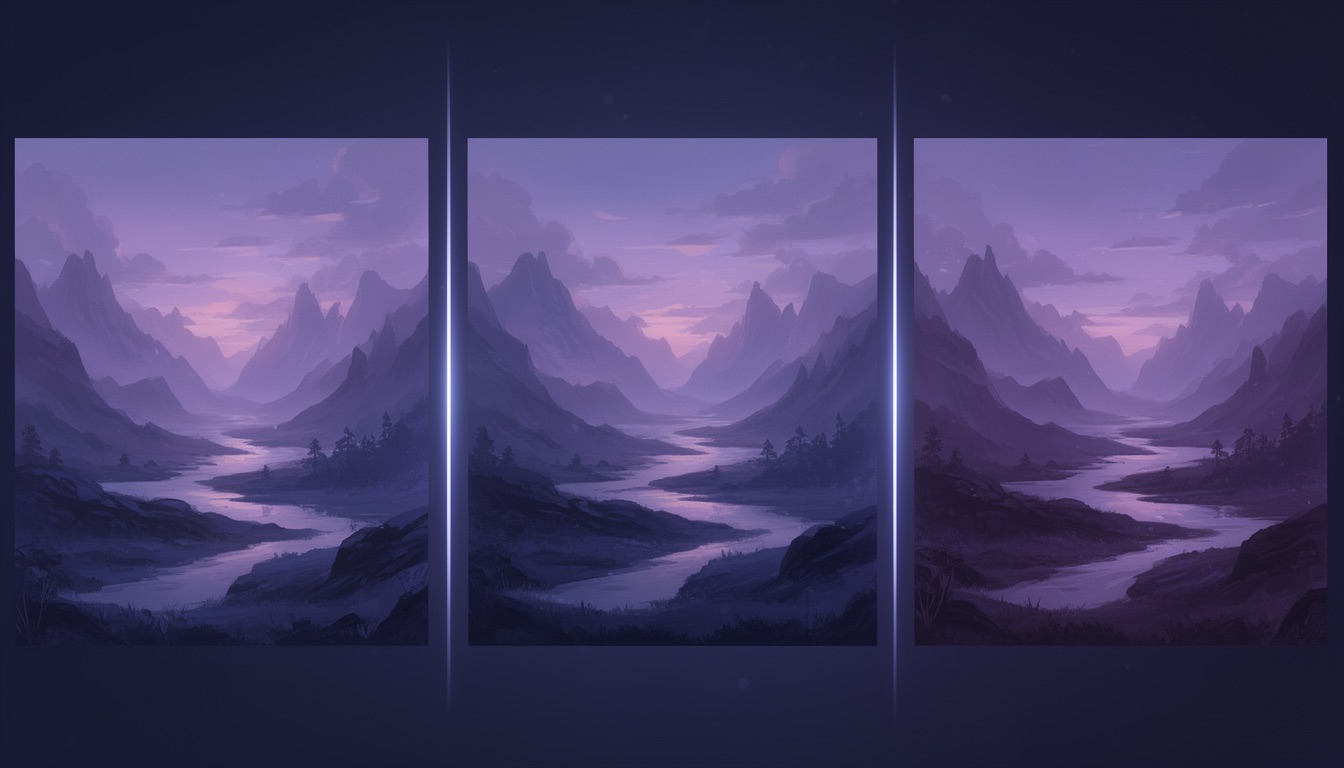
Introducing ImageForge: Compare AI Image Models Side-by-Side
There are more AI image generation models today than ever before — FLUX.2, Seedream, Ideogram, Recraft, Grok Imagine — and the list keeps growing. Each model has its own strengths: one nails photorealism, another dominates at typography, and a third produces gorgeous illustrations. The problem? You have no easy way to compare AI image models and figure out which one actually works best for your specific use case.
Until now. Meet ImageForge — the AI image comparison tool that lets you generate images from multiple models simultaneously and compare them side by side.
The Problem: Too Many Models, Not Enough Clarity
If you've spent any time with AI image generation, you know the pain. You find a model that works great for portraits, but it butchers text. You switch to another that renders typography perfectly, but it struggles with creative compositions. Every model has trade-offs, and the only way to discover them is trial and error across scattered platforms.
That's time you could spend actually creating.
What you need is a single place where you can compare AI image models head-to-head — same prompt, multiple models, results right next to each other. That's exactly what ImageForge does.
The Solution: One Prompt, Multiple Models, Instant Comparison
ImageForge is built around a simple but powerful idea: write one prompt and generate images from up to 5 AI models at once. No tab-switching, no copy-pasting prompts between platforms, no juggling accounts. You type your prompt, select the models you want to compare, and hit Generate.
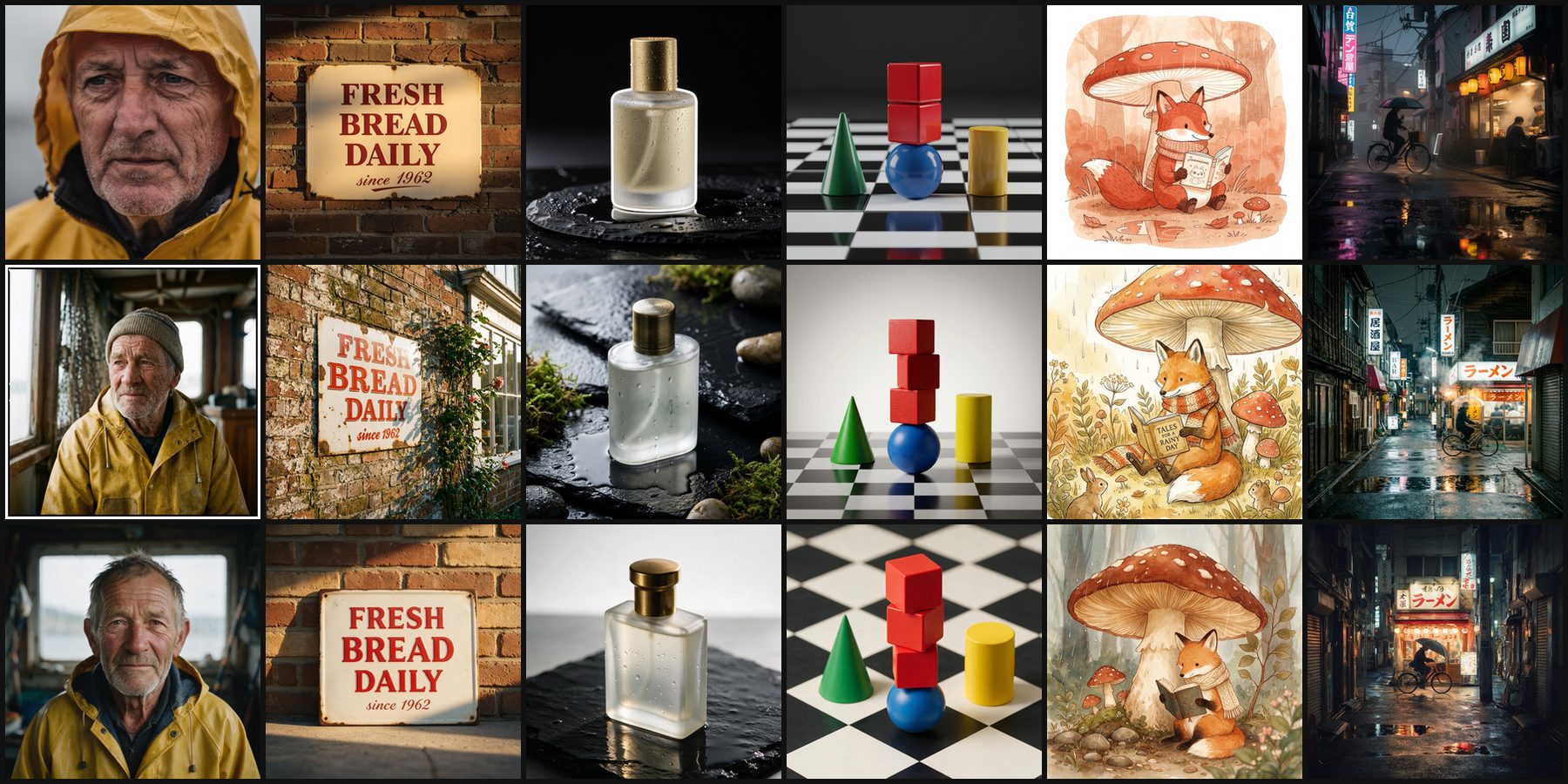
Seconds later, you're looking at results from different models side by side. You can instantly see which model interpreted your vision best, which handled the details right, and which style you prefer for the task at hand.
16 AI Models, One Platform
ImageForge gives you access to the best AI image generation models available today — all in one place. The lineup spans nine model makers, from Black Forest Labs' FLUX.2 family through Google, ByteDance, Ideogram, Recraft, xAI, Tencent, Kuaishou and Alibaba, and runs from 1 credit per image up to 5 for the most capable.
Every one of them is on every plan, Free included: a model costs credits, not a subscription. Rather than list the whole roster here, where it would go stale the moment the lineup moves, see the current models and what each one costs. For a model-by-model breakdown of how the lineup has changed, see our most recent lineup update.
Key Features That Set ImageForge Apart
Side-by-Side Comparison
This is the core of what makes ImageForge an indispensable AI image comparison tool. Generate from multiple models simultaneously, then view results in a clean comparison grid. Spot differences in style, quality, detail, and text rendering at a glance. No more guessing which model is "better" — you can see it for yourself, every time.
Style Presets
Don't want to engineer complex prompts? Style presets let you apply curated aesthetic directions — corporate, cinematic, creative, and more — with a single click. They wrap your prompt with carefully tuned modifiers so you get polished results without being a prompt expert.
Image Refinement
Generated something close but not quite right? Use refinement to iterate on your output. Adjust styles, fix details, or transform your creation using the same model that generated it. It's the difference between "good enough" and "exactly what I wanted."
Collections & Organization
Save your best generations into collections, tag them, favorite them. When you're comparing AI image models across dozens of prompts, organization matters. ImageForge keeps everything searchable and sorted.
Start Free — No Credit Card Required
We believe you should be able to compare AI image models before spending a dime. That's why ImageForge gives you:
- 5 credits every month on the Free plan — they reset monthly
- Every model on the Free plan — from FLUX.2 [dev] and Ideogram V4 at 1 credit per image, the lowest rate we charge, up to Nano Banana Pro at 5
- No credit card required — sign up in 30 seconds and start generating
To be clear about what that buys, because it is easy to misread: every generation costs credits. At Standard quality the cheapest models are 1 credit each, so the monthly allowance is five images, or a single image from the most capable model. When you need more, subscribe from $9/month for 200 credits a month and side-by-side generation across up to 5 models at once, or top up with a one-time credit pack from $5, with credits that never expire.
Pricing is otherwise deliberately simple: no confusing token systems and no hidden fees.
Who Is ImageForge For?
- Designers and creatives who need to find the right model for a specific project style
- Developers evaluating which AI model to integrate into their product
- Marketers generating visual content and wanting consistent, on-brand results
- Hobbyists and enthusiasts who love exploring what different AI models can do
If you've ever wondered "which AI image model is best for X?" — ImageForge gives you the answer in seconds instead of hours.
Getting Started Takes 30 Seconds
- Create a free account (no credit card)
- Describe the image you want
- Pick the models you want to compare and hit Generate
- Download your favourite result in high resolution
What's Next
We're just getting started. Coming soon: more models, an API for developers, and community galleries. We'd love your feedback — try ImageForge today and tell us what you think.
Try It Now
Stop guessing. Start comparing. Head to imageforge.io, create a free account, and see for yourself how easy it is to compare AI image models side by side. Your first prompt is seconds away.